
Translation note: This English version follows the structure, prompts, figures, and references of the corresponding Chinese post. It was reviewed and synchronized on 2026-08-03.
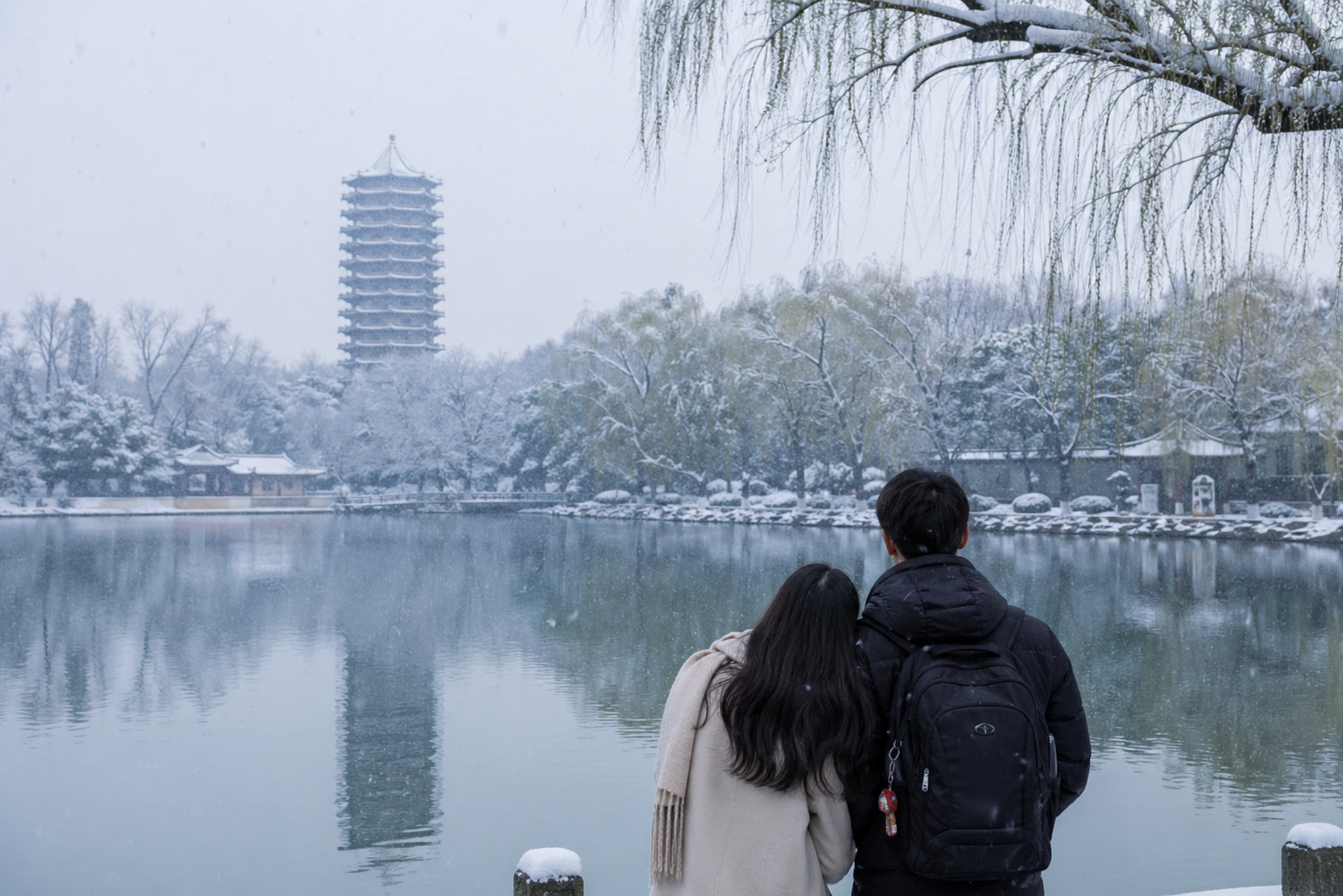
On April 21, 2026, ChatGPT released a new image generation model: ChatGPT Image 2.0.
It quickly went viral across social media — with simple instructions, you can now produce highly detailed, photorealistic images that previously required complex workflows. This marks OpenAI’s return to dominance in AI image generation.
Below is the official introduction from the ChatGPT website:
https://openai.com/zh-Hans-CN/index/introducing-chatgpt-images-2-0/#textmode
Images are not just decoration — they are a language. A great image, like a well-crafted sentence, selects its material, structures its composition, and reveals the essence. It can explain a mechanism, evoke a mood, test an idea, or articulate an argument.
Higher precision and control: small text, icon systems, UI elements, dense compositions, and subtle style constraints, with resolution up to 2K in the API.
Stronger multilingual capability: new support for Chinese, Japanese, Korean, Hindi, and Bengali with excellent performance.
Also improved in style representation and realism.
In one word: unstoppable.
Image-to-image practice
The author has long enjoyed creating fantasy-themed images.
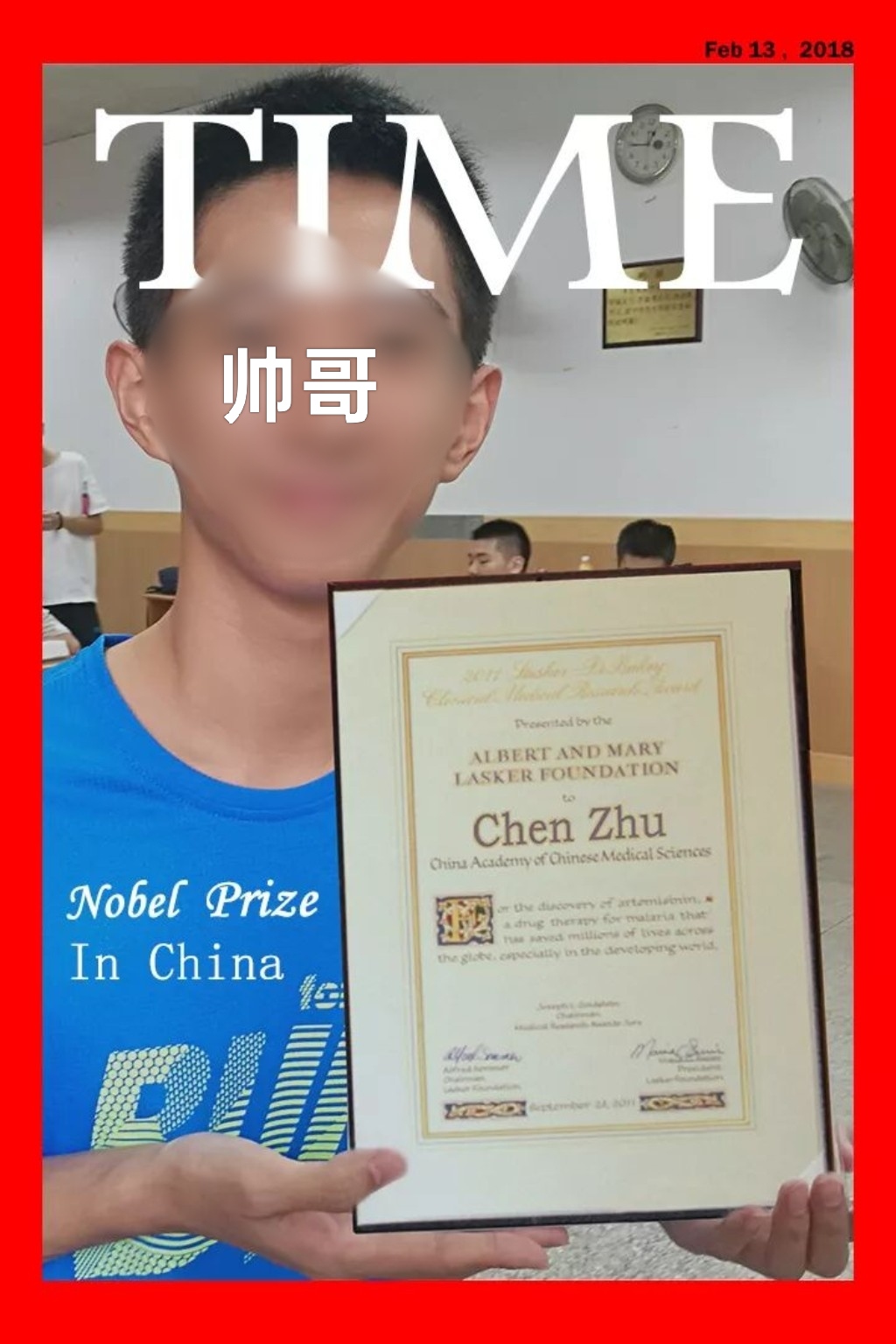
Made on January 13, 2018 for a birthday post — the pig brother is now a postdoc in Singapore.
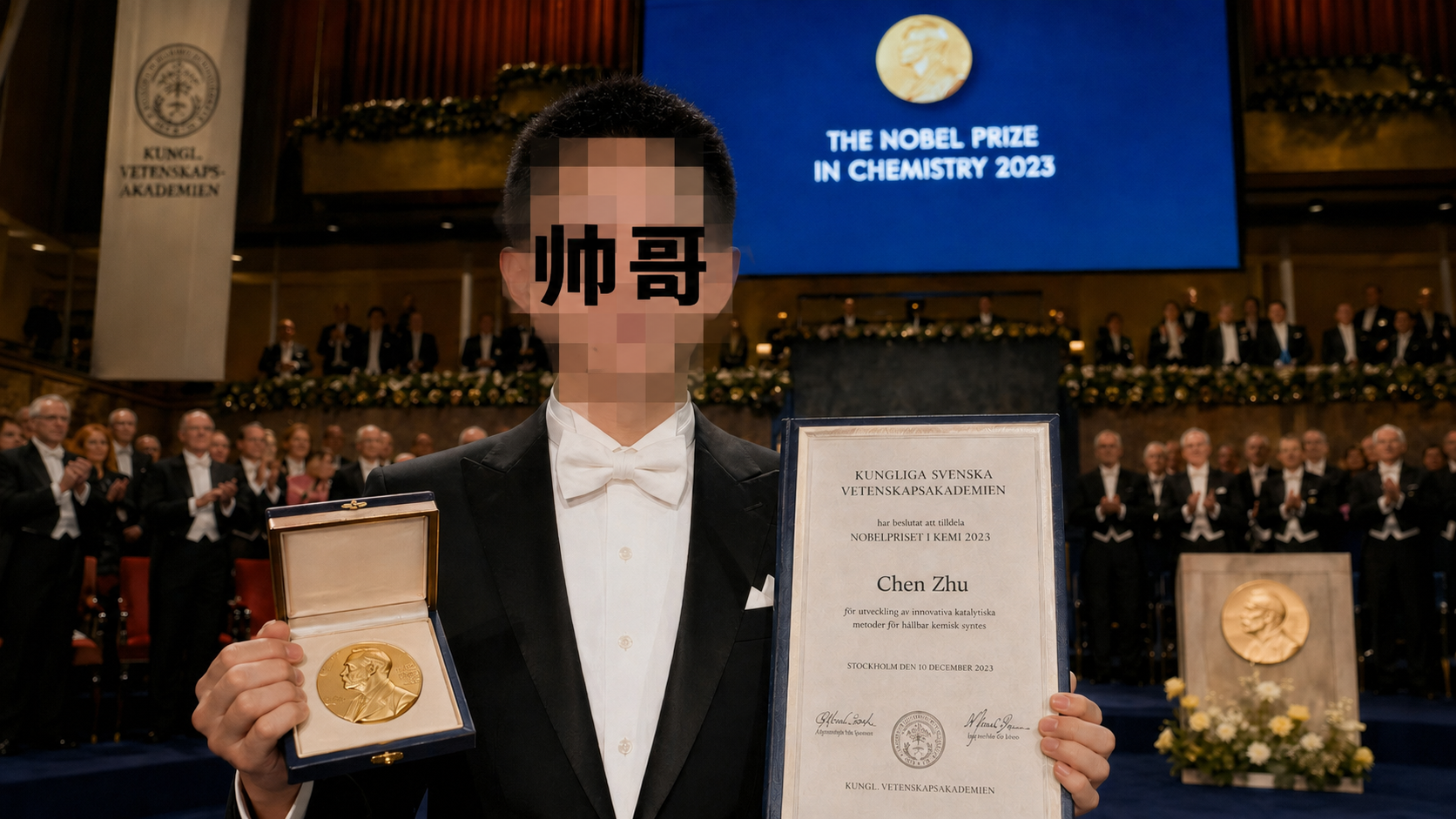
With Image 2, it was the perfect match. The author upgraded this image with modern flair: enabled GPT’s Think mode and fed it the following prompt:
Using this face, generate an image of him receiving the Nobel Prize in Stockholm. He must be in a suit, photorealistic, with a clear frontal view. The award is the Nobel Prize in Chemistry. All details must conform to the real-world Nobel ceremony. 16:9, a masterwork.
Then the post-ceremony handshake with the King of Sweden:
Same setting, one more hyperrealistic photo — this time a handshake with the King of Sweden. Keep the same outfit, focal length around 20mm, realistic perspective and lighting.
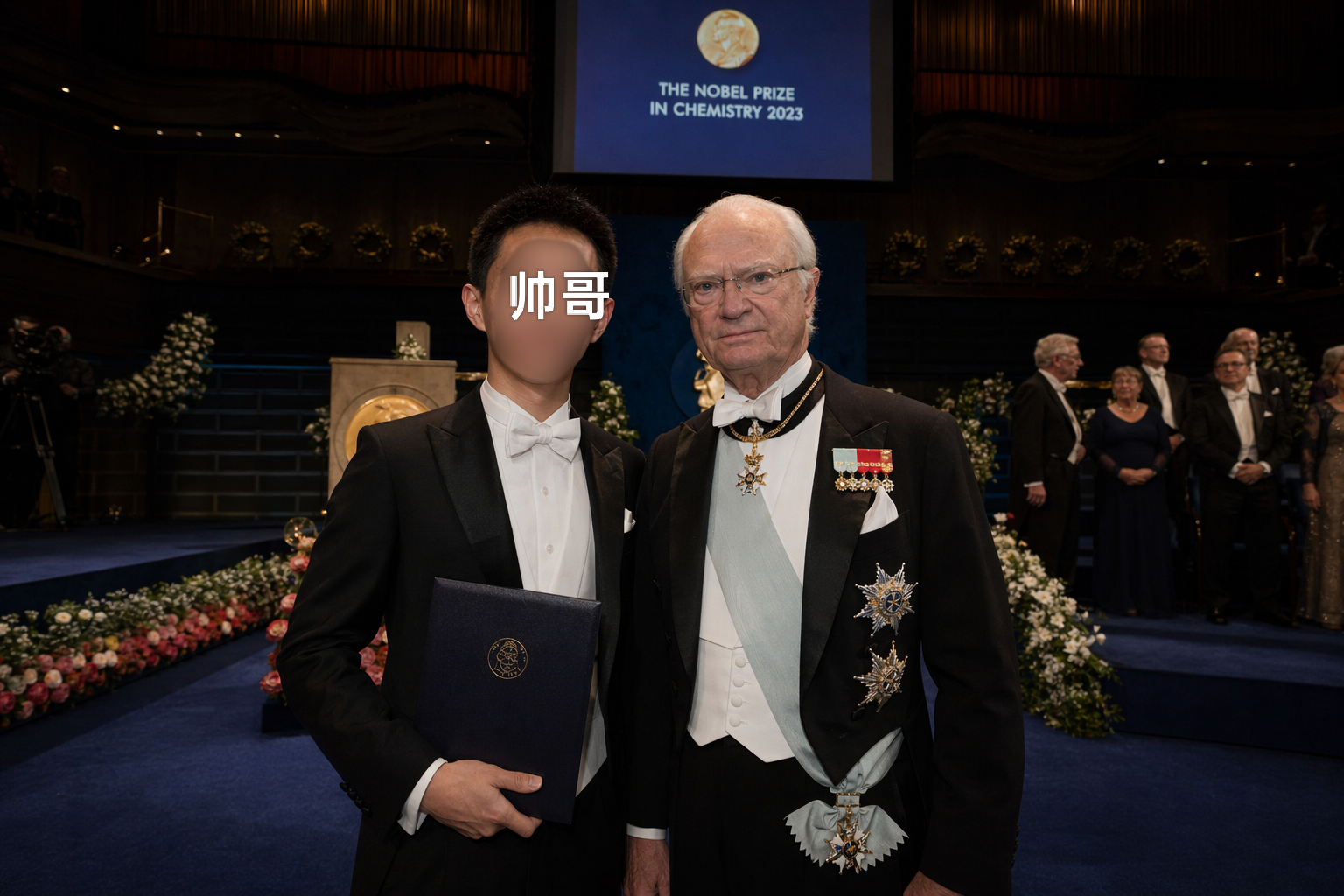
Apart from barely perceptible details in lighting or perspective, a simple structured prompt already achieves near-photorealistic results.
Text-to-image practice
Having grown up in southern China, the author has always had a soft spot for snow — but has seen real snowfall only a handful of times. So I used AI to generate beautiful snowy scenes.
Combining this with the theme of major Chinese universities, I tested pure text-to-image generation. The specific images and prompts are shown below (the order of universities reflects personal preference).
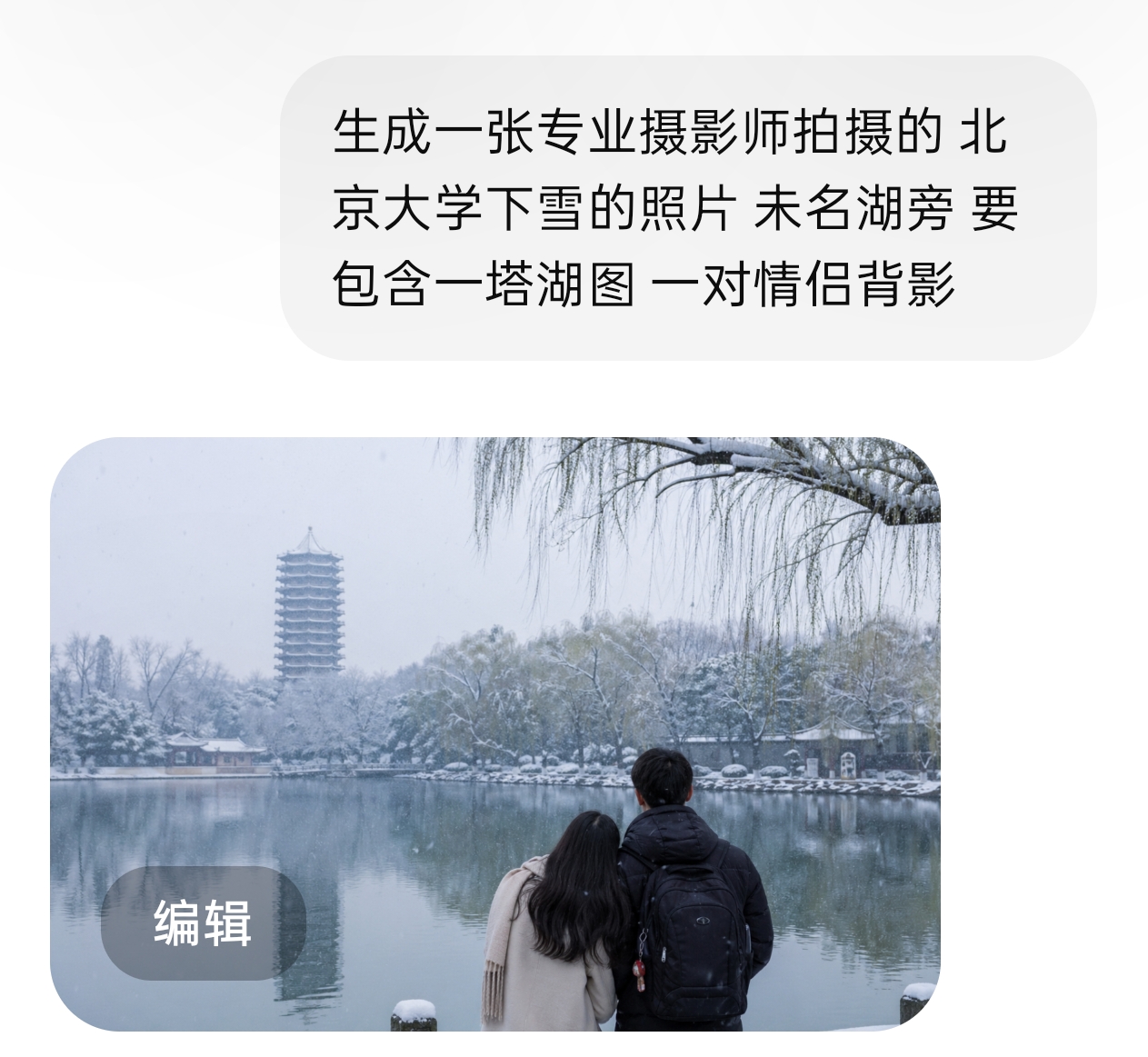
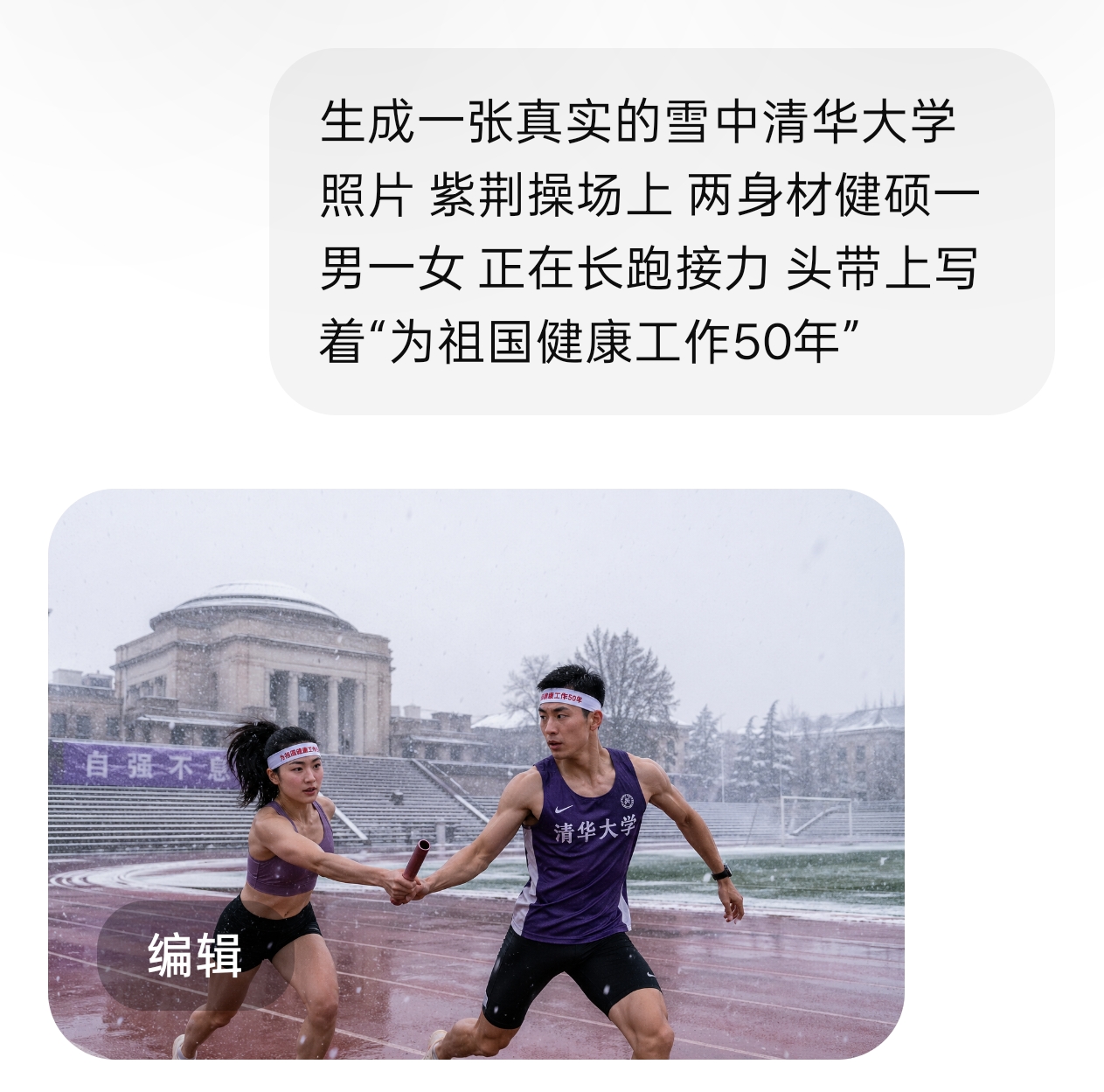
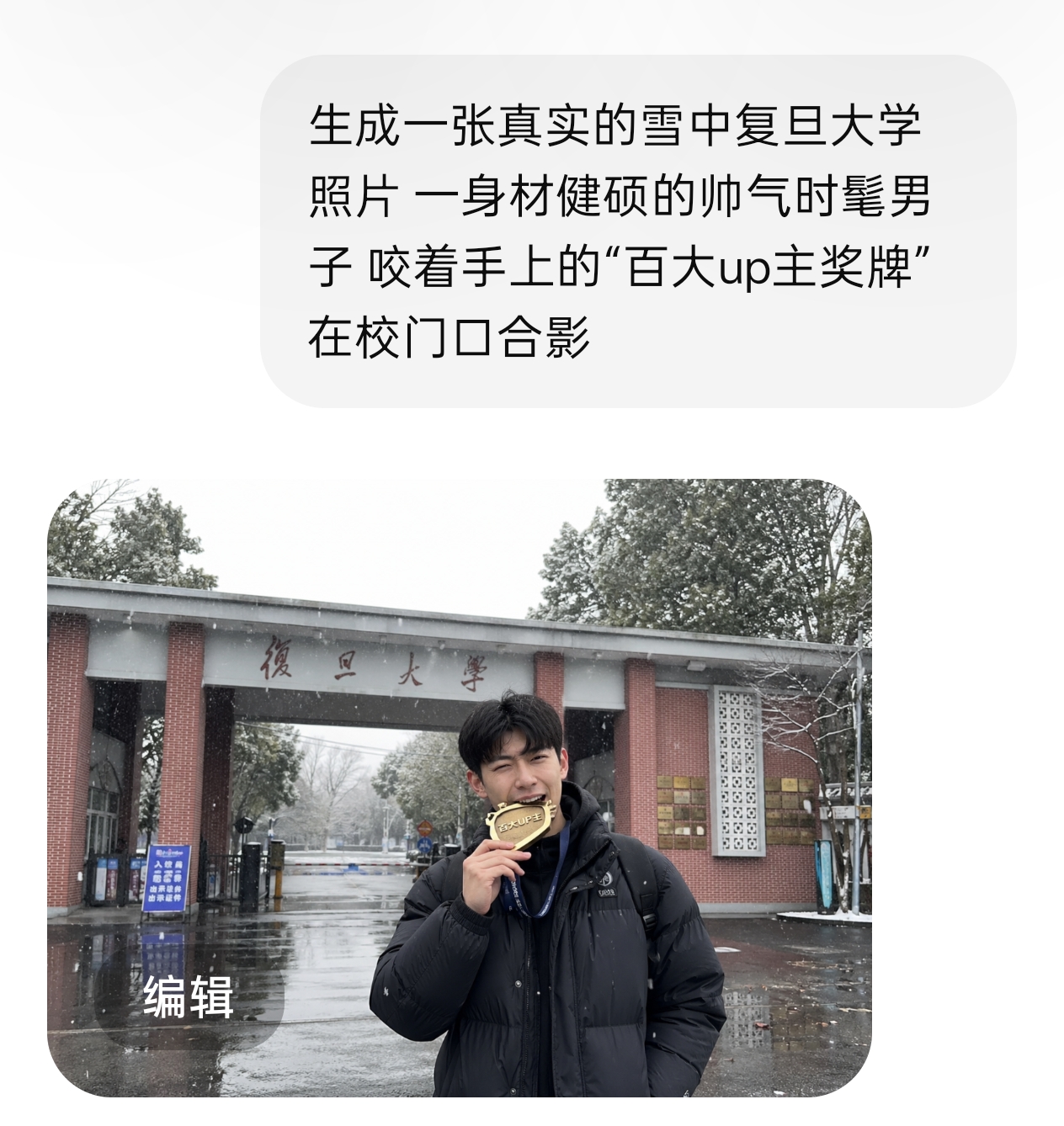
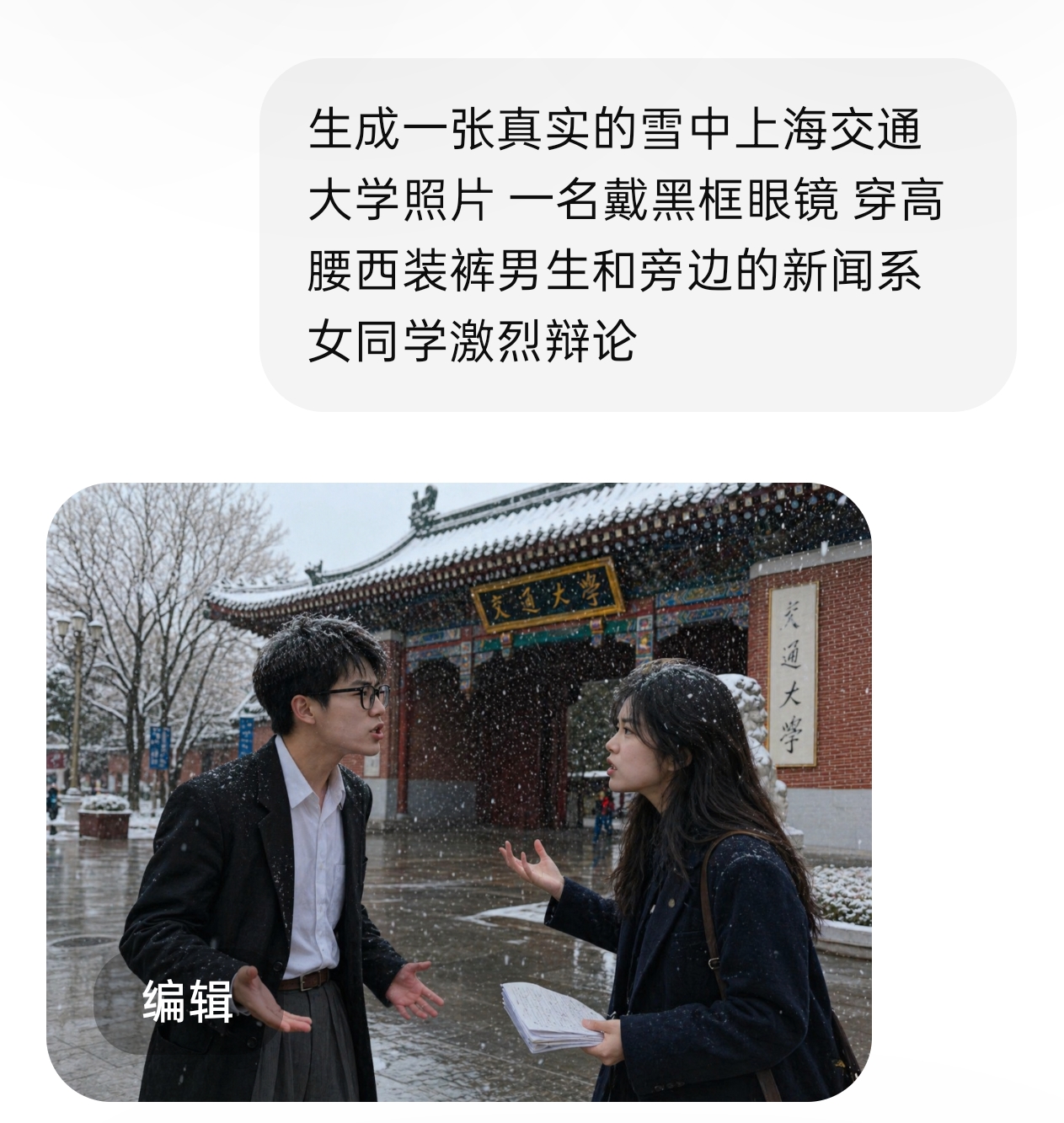
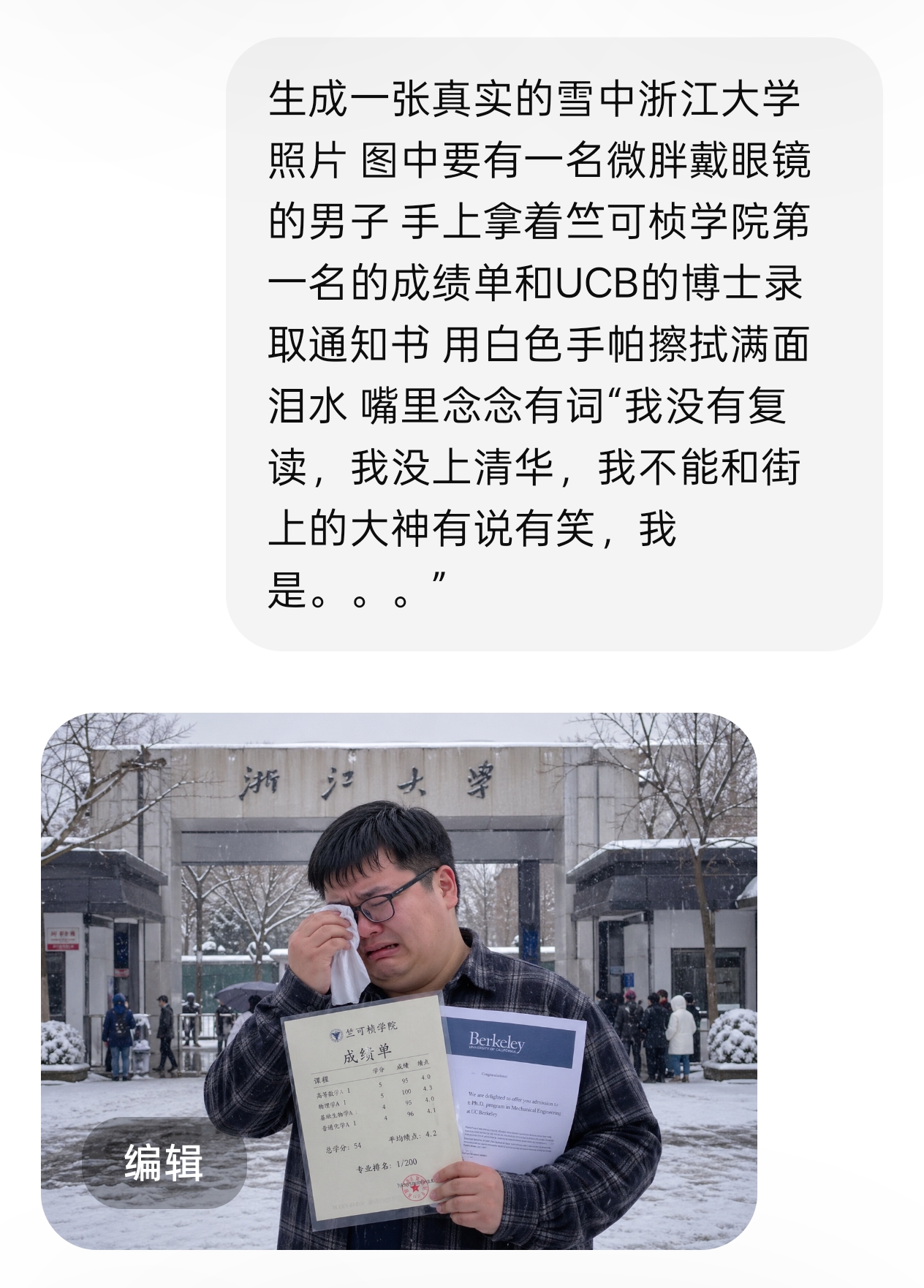
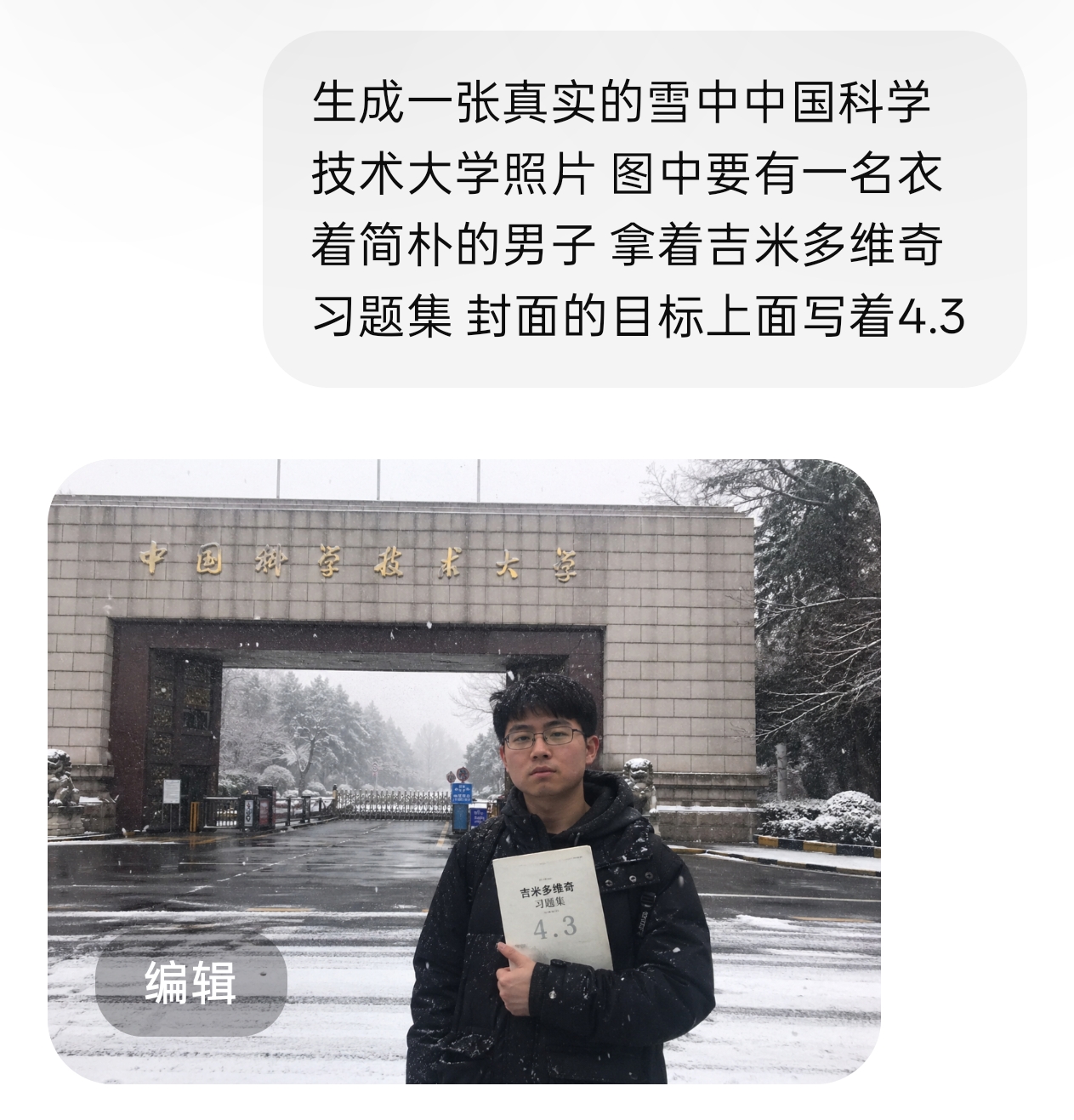
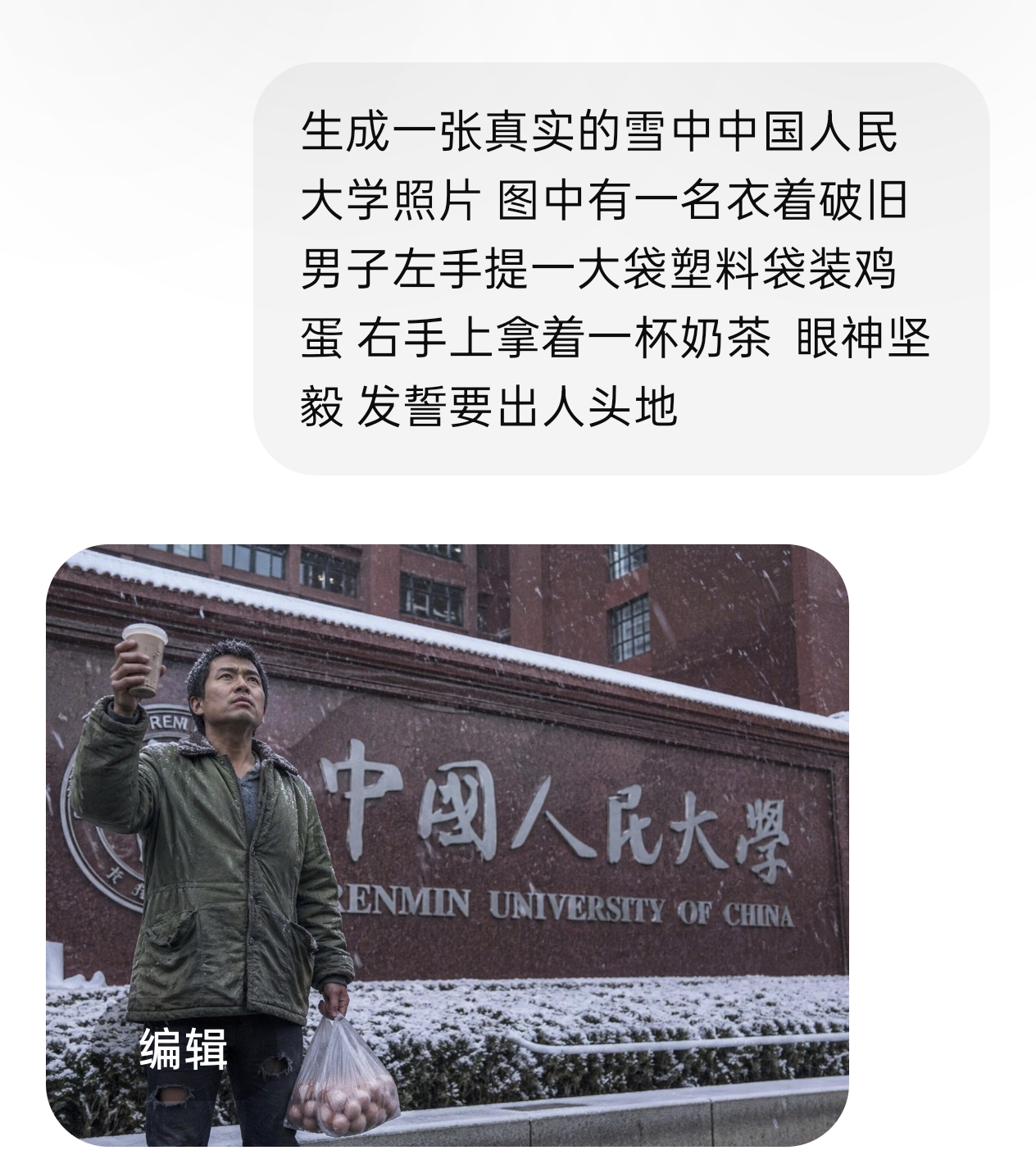
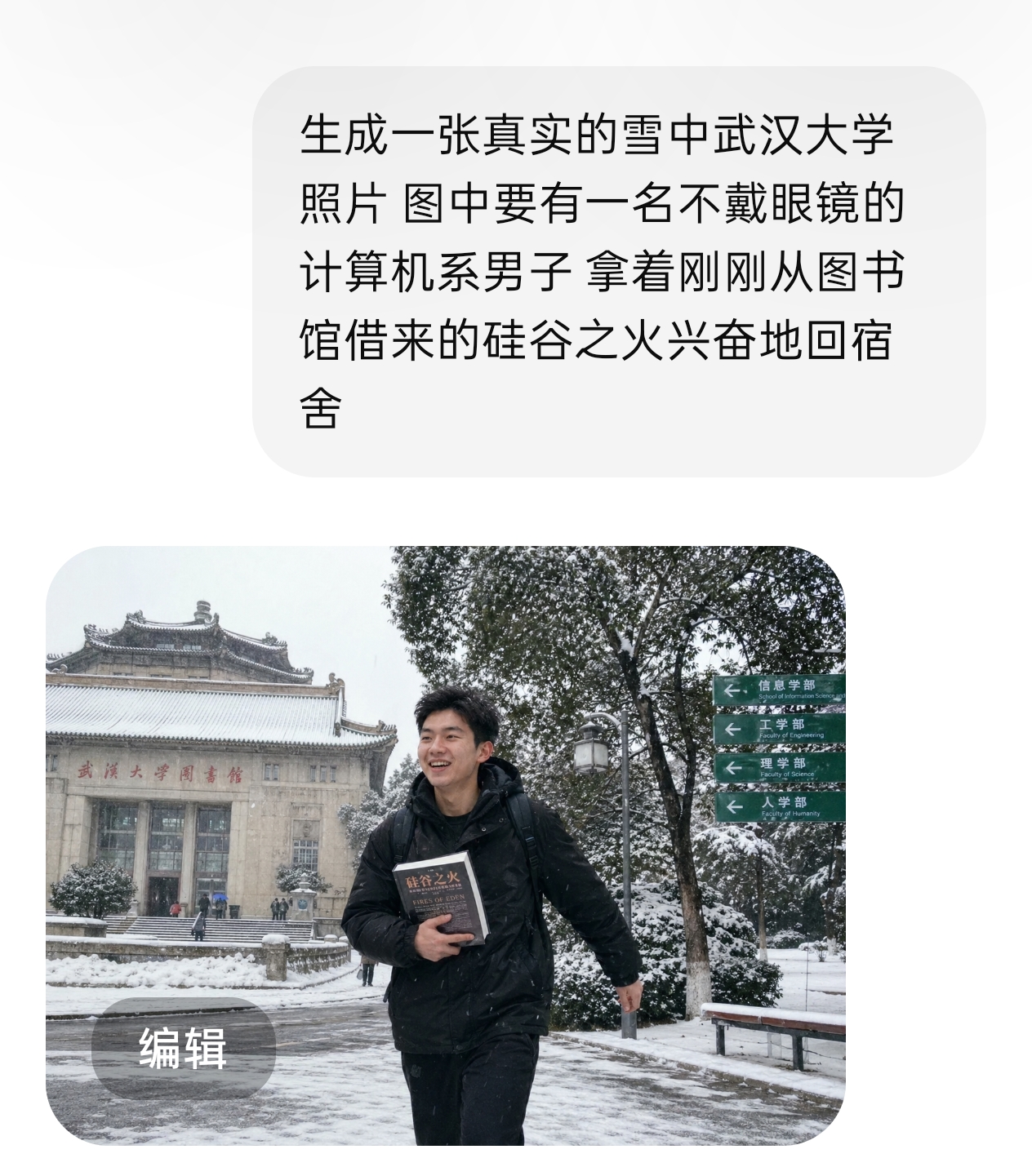
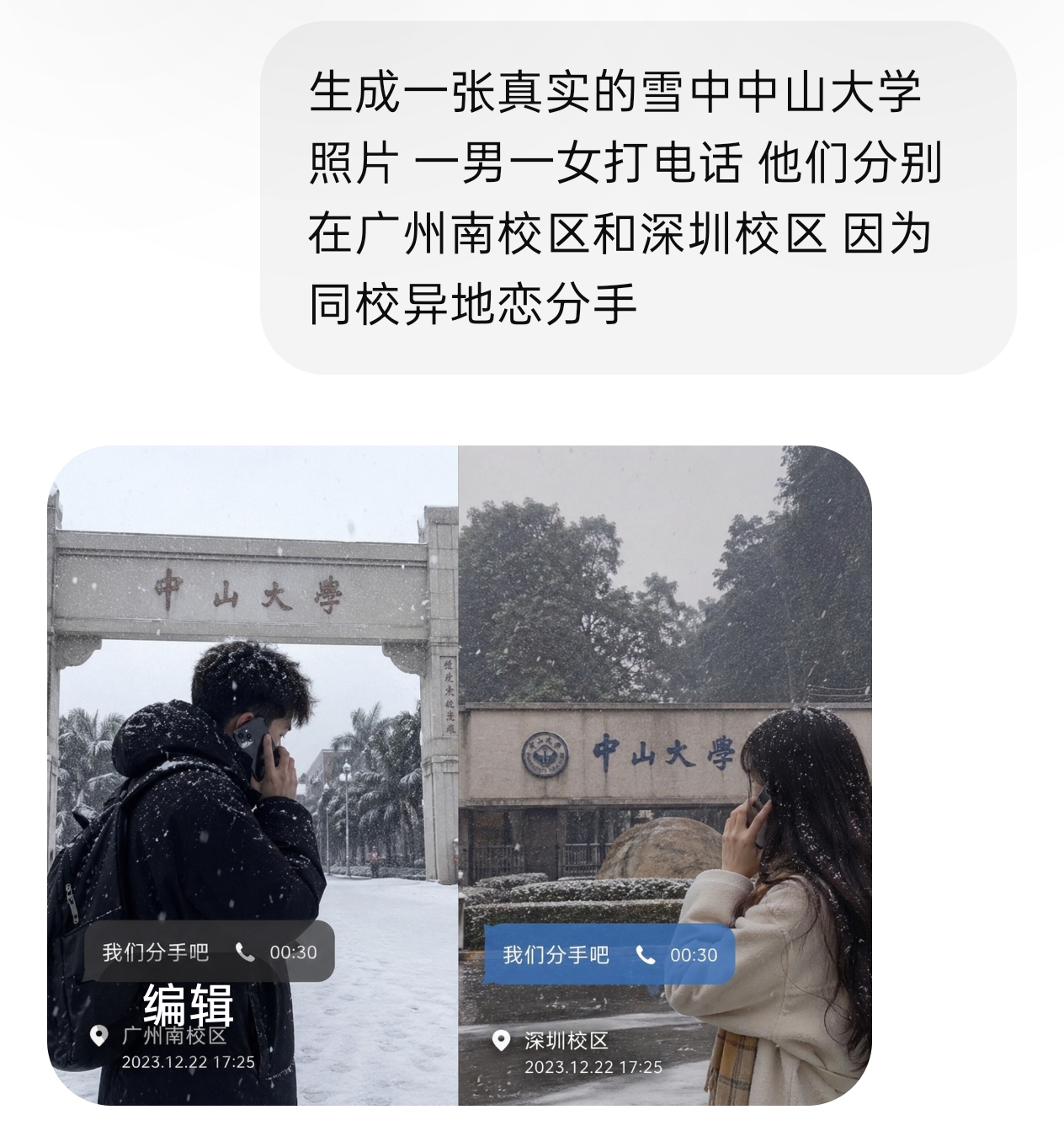
Since the author is not very familiar with Nanjing University, there is no specific scene. My sincerest apologies to Nanjing University, which strives to offer the best undergraduate education in China.
Image-to-image practice 2: Final exam at Zhihua Library
The author also tried direct text-to-image to recall memories of studying at the Zhihua Library at the University of Hong Kong. The prompt was:
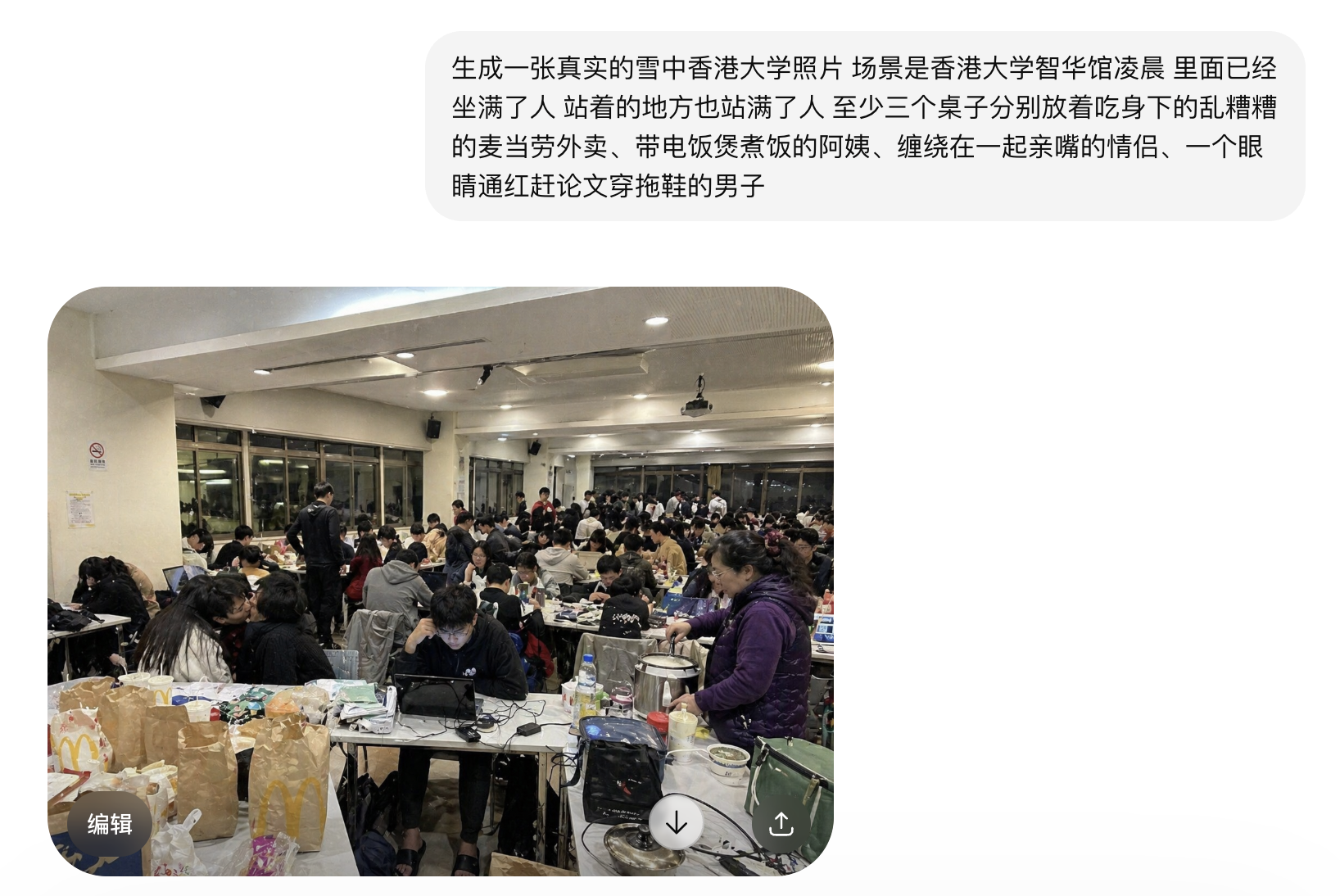
But the generated image was clearly not the real interior.
My speculation on how the Think-mode text-to-image model works:
Identify prompt intent → search online for target image → use model resources to generate → return result.
Step 2 failed to correctly identify “Zhihua Library” interior. Since the pipeline is a black box, I manually fixed it by uploading a real photo of Zhihua Library and asking GPT to remember it in the conversation.
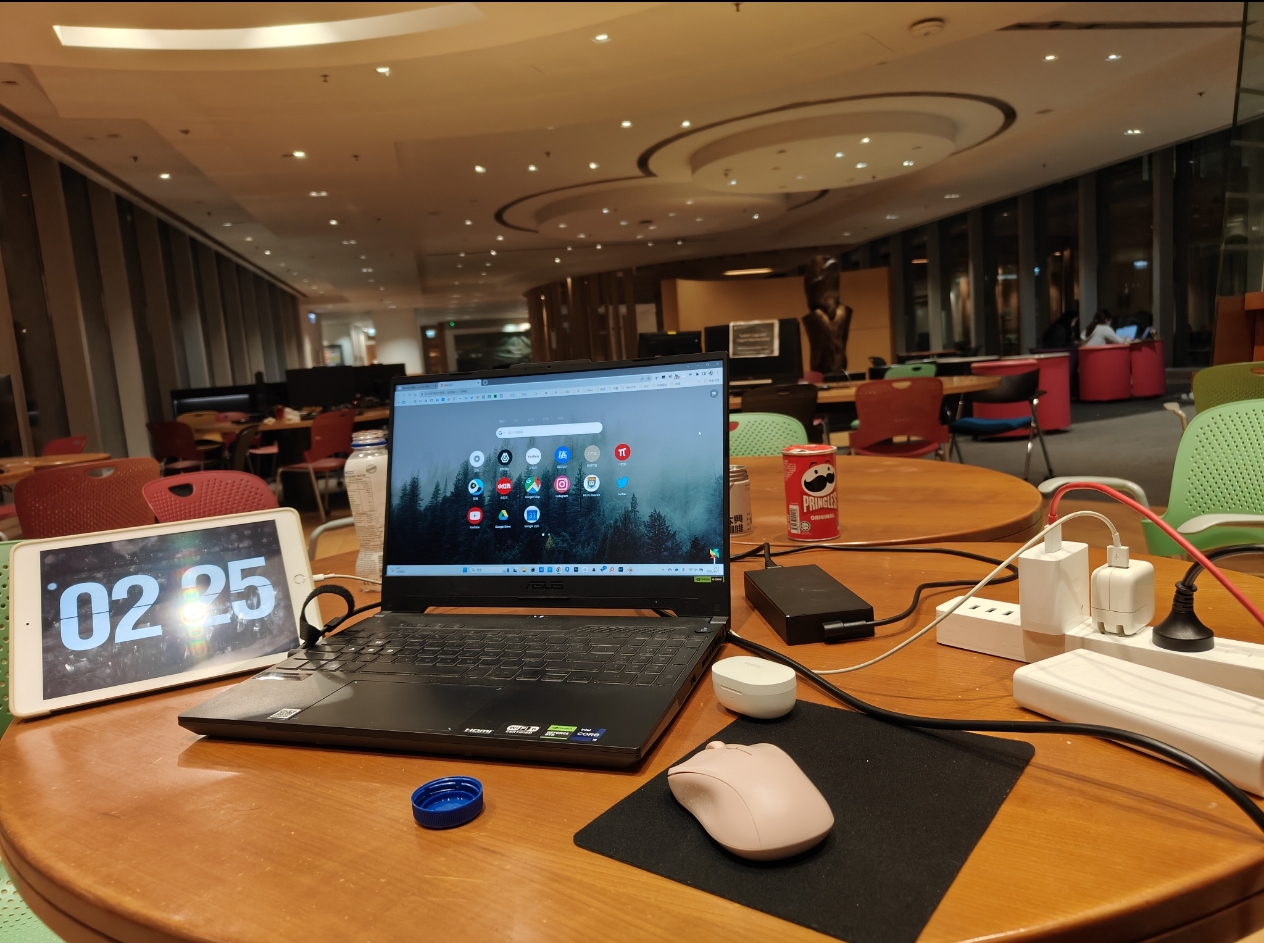
The author pulling an all-nighter at Zhihua Library
Then I fed the same prompt back to GPT:
Generate a realistic photo of Hong Kong University in the snow, scene is Zhihua Library in the early morning. It’s packed with people sitting and standing. At least three tables: one with messy McDonald’s leftovers, one with an aunt cooking rice with an electric cooker, one with a couple kissing intertwined, and one with a red-eyed man in slippers rushing his thesis.
Result: an impressively good image.
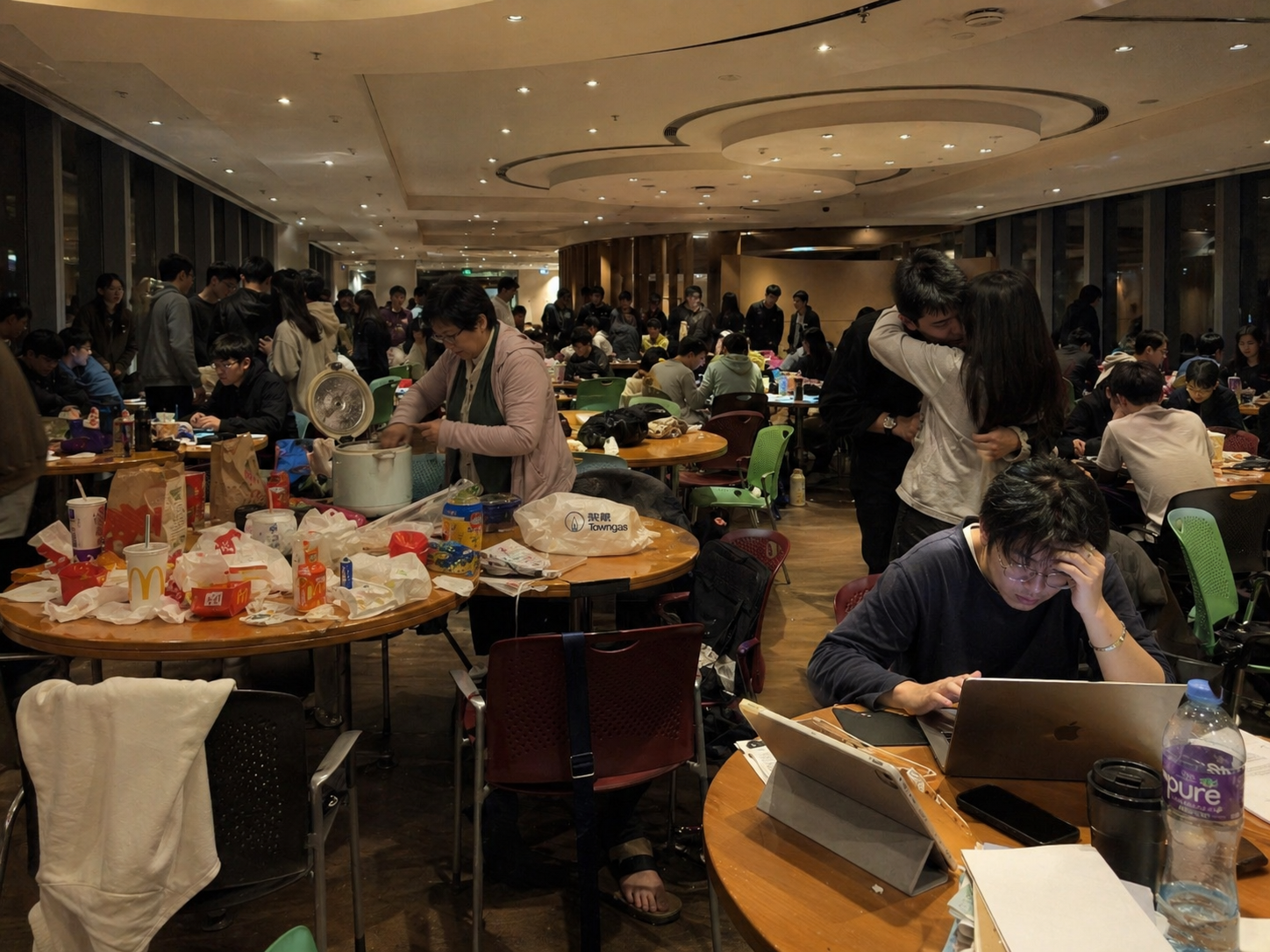
This image received over 10,000 views on social media (applause 👏)
Summary: a simple image-generation workflow
Provide a prompt with positive cues, negative cues (optional), and reference image (optional). Enable GPT’s Think mode to generate the target image. Then you can fine-tune details through iterative conversation and editing.
Of course, please do not use this tech in illegal situation. GPT has built-in sensitive content review and watermarking. Technically one could bypass them, but the cost of getting caught is usually greater than the benefit. Think carefully before you act.