
Exploring Agent control of an Android phone, starting with USB debugging and scrcpy.
Translation note: This English version was translated by Codex on 2026-09-07. The source text is the corresponding Chinese post in this repository.
Why try to control a phone?
I have recently been trying to automate phone control so that I can build an automated customer-service workflow for applications with mobile-only entry points, such as Xianyu.
Connect the phone to a Mac
First, connect the Android phone to the Mac with a data cable.
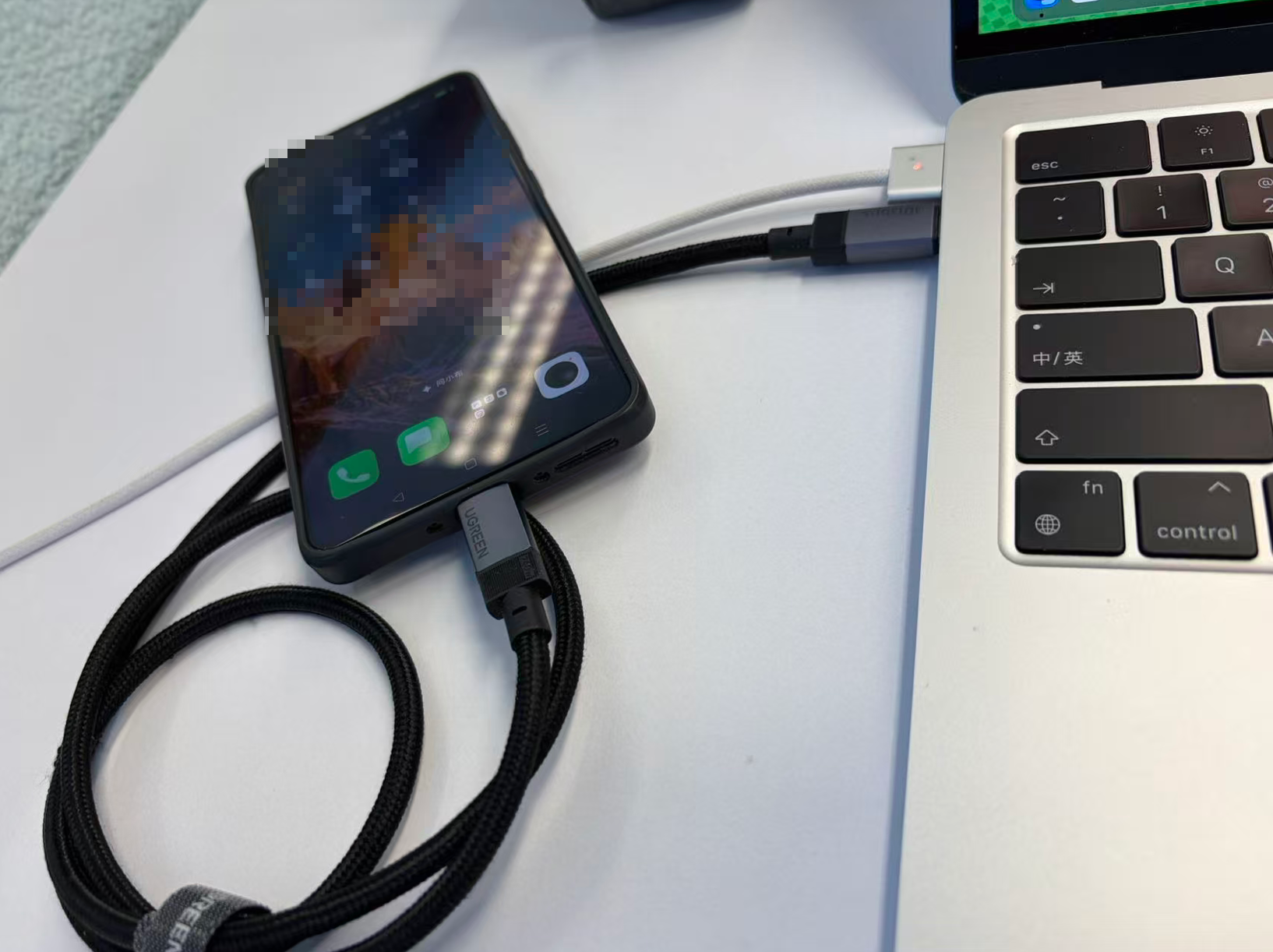
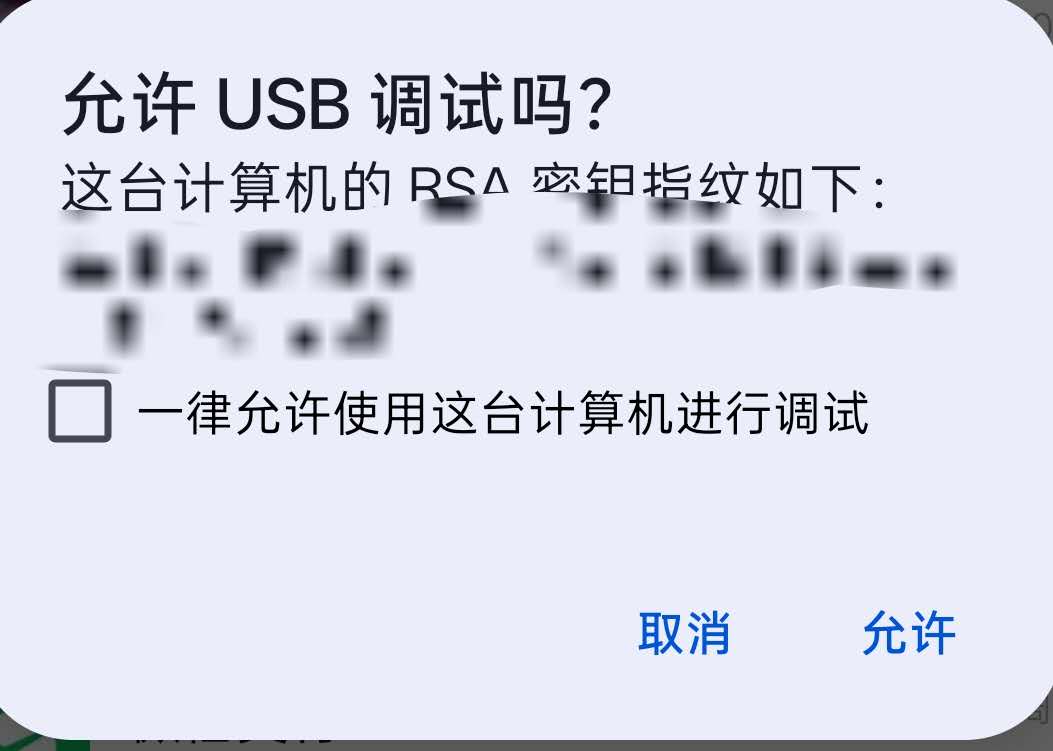
Then enable USB debugging on the phone and confirm that it is connected to the computer. If the phone displays a USB debugging authorization prompt, allow this computer to debug the device.
Use scrcpy to create a phone mirror
Next, connect the phone and computer through scrcpy. Once the connection succeeds, an interactive phone mirror appears on the Mac.
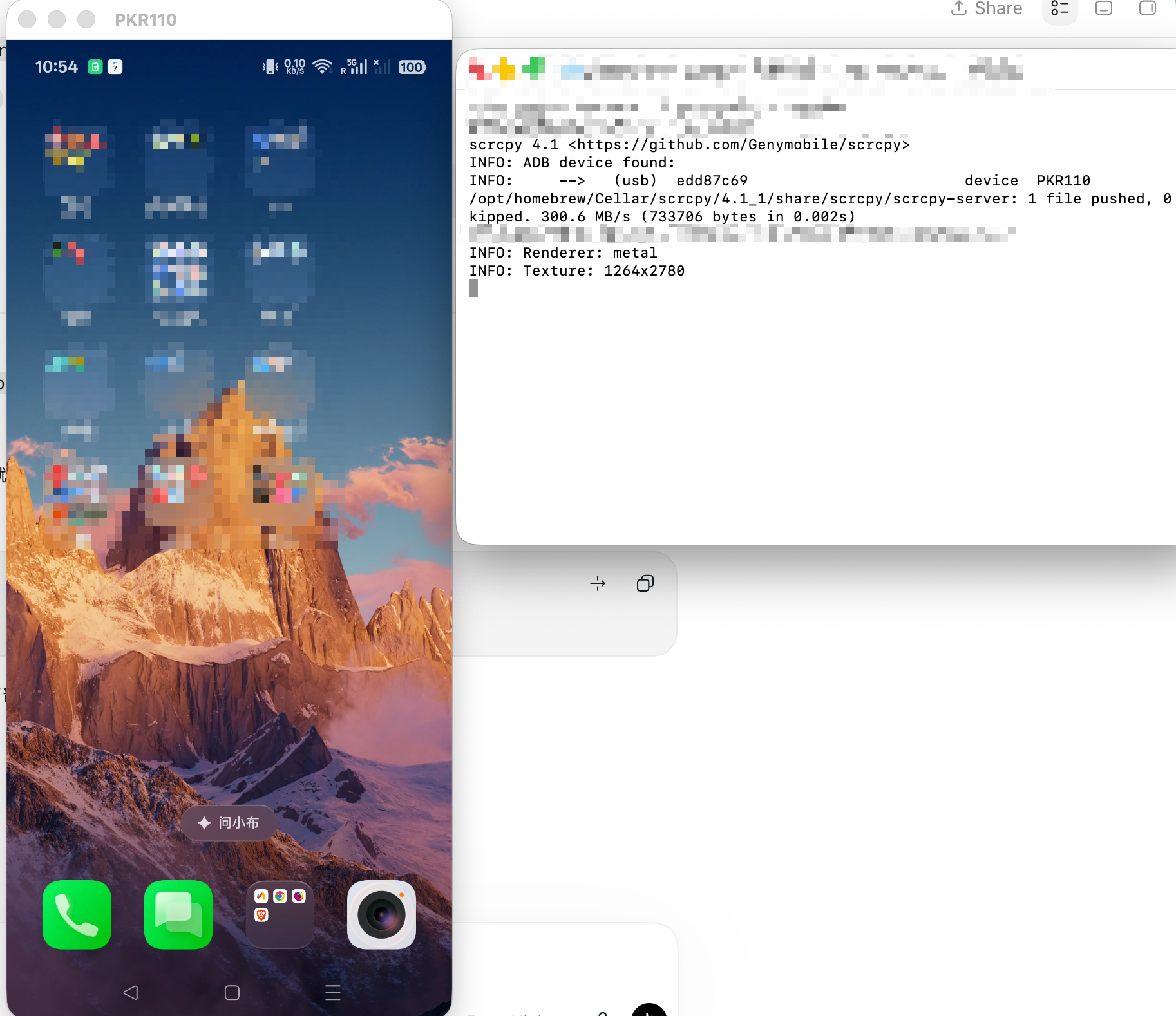
scrcpy.What this makes possible
Actions performed on the Mac mirror are synchronized with the phone. This simple setup provides an initial mapping for several capabilities:
- Screen access: observe the phone through the mirror and capture screenshots as visual input.
- Keyboard input: map input from the Mac to the phone.
- Text entry: enter customer-service messages in mobile applications.
Next step
For now, this is only a minimal connection method. I still need to investigate how to establish reliable, high-speed data transfer between a mobile device and a laptop, and how to make an Agent observe, enter text, and operate the phone more reliably on top of that connection.