
Translation note: This English version is a faithful translation of the corresponding Chinese post in this repository. It was prepared on 2026-09-04.
Introduction
GPT has become deeply integrated into the work and daily lives of some people, but many users still do not have a stable way to obtain an official ChatGPT subscription. This article introduces one practical approach for people who need it for learning, research, and experimentation.
How it works
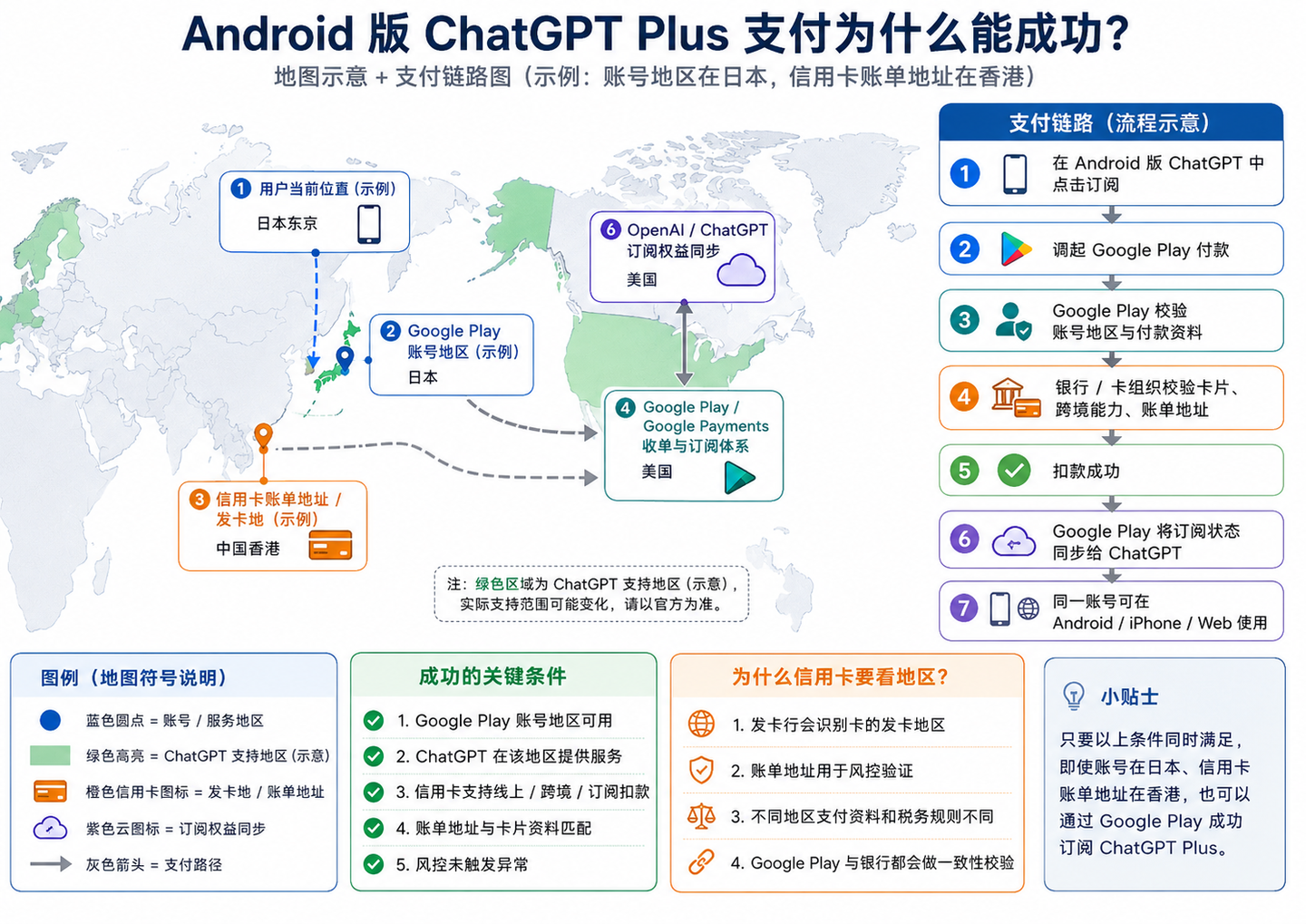
Requirements
- A stable network connection with access to the internet
- An Android phone with Google services support
- A Visa or Mastercard credit card
- A Google account
Step-by-step guide
1. Check the address shown in your Google account’s Terms of Service
Link: Google Terms of Service
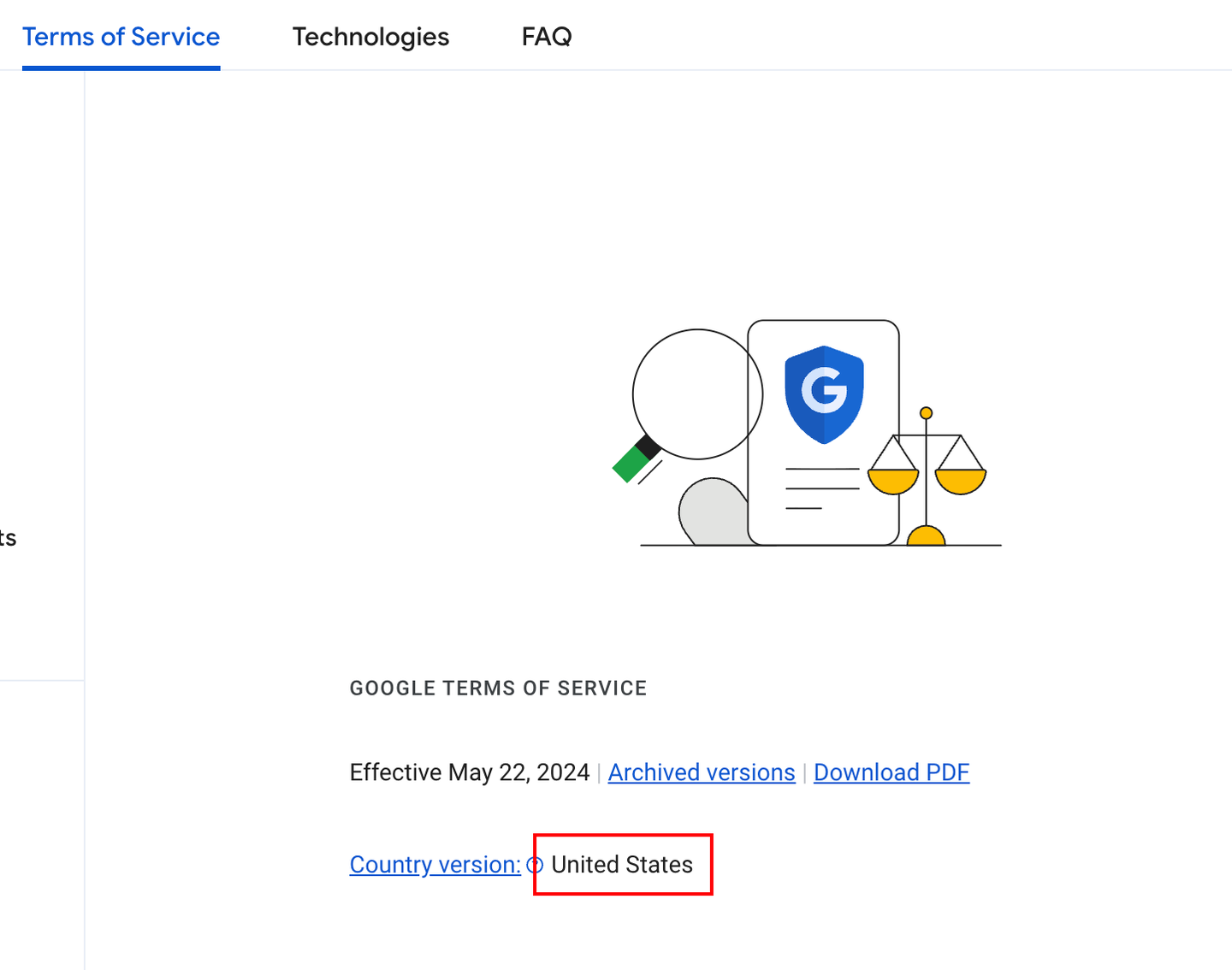
The address shown indicates the region associated with the current account. It needs to be a region supported by ChatGPT, such as the United States, Japan, or the United Kingdom. If it is not, you may be unable to download the ChatGPT app from Google Play.
See also: OpenAI-supported countries and territories
1.1 If the region is not supported, try applying to change it
The following is an AI-generated reference answer from a Google search for “how to change the region of a Google account”:
The most direct way to change the country or region in a Google account’s terms of service is to sign in using an IP address from the target region and submit a region-change application.
Follow these steps:
Step 1: Prepare and confirm the target network. Enable a proxy for the target country or region, such as the United States or Japan, and make sure the current IP address has changed to that region. Confirm the current region by signing in to Google Terms of Service and checking the country or region version associated with the account.
Step 2: Submit a change request. Sign in to the Google region-association application form and select or enter the country or region you want to change to. Provide a reason for the change, such as “I need to use services in this region for work or living purposes and have a genuine need to use them there.” It is recommended to select “None of the above” when applicable so that the request can pass review more smoothly.
Notes: Review usually takes two to three days, depending on the IP match.
Change limit: This change is strictly limited and can be made only once a year.
Region-lock issue: If an account is region-locked and cannot purchase or subscribe to a service, you may also need to close the existing profile in the payments center and create a new one.
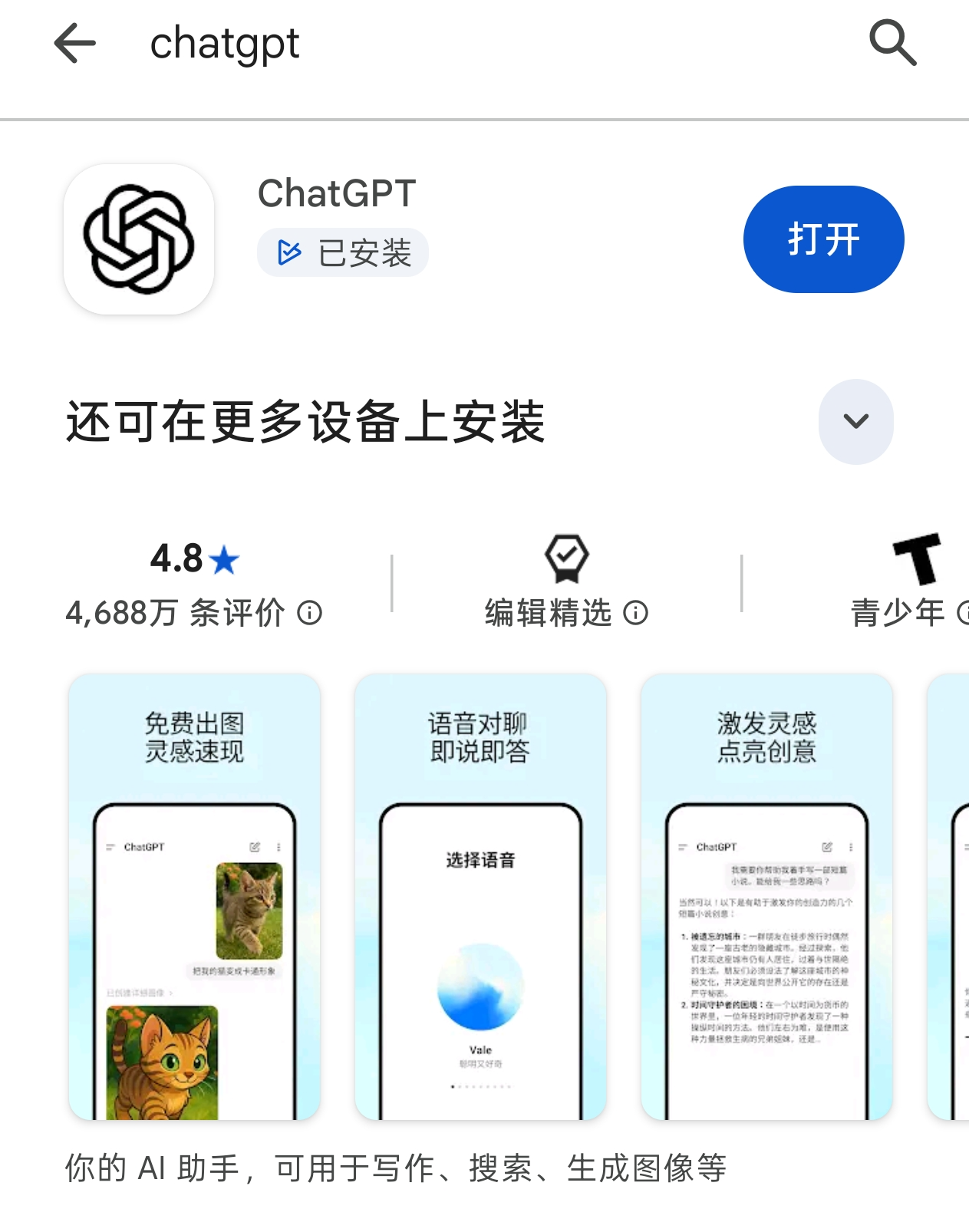
2. Sign in to Google Play with that account and download ChatGPT
If other accounts are present, sign out of them. Uninstall the ChatGPT app downloaded under another account and install it again.
3. Sign in to ChatGPT and subscribe
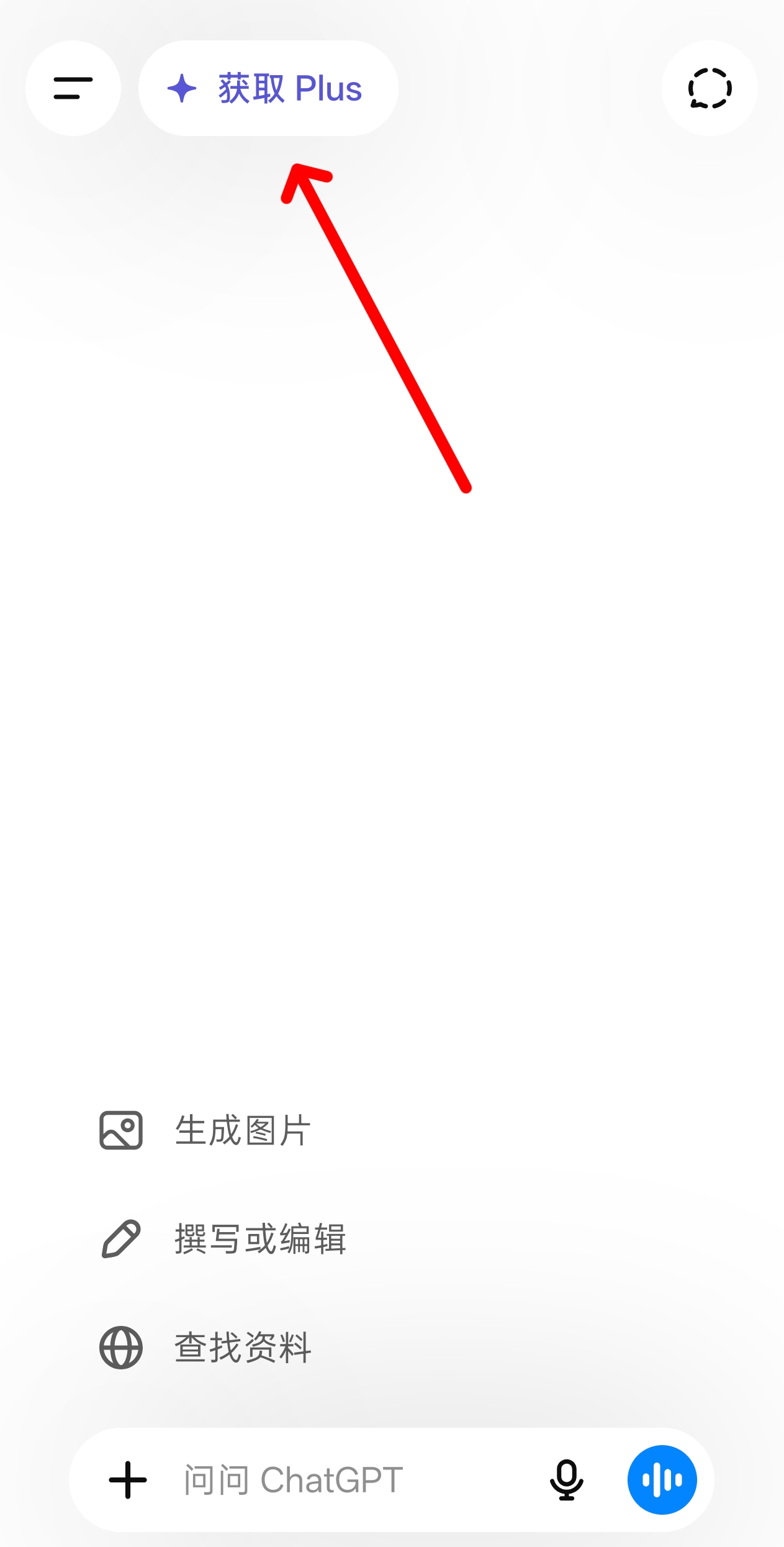
Tap “Get Plus.”
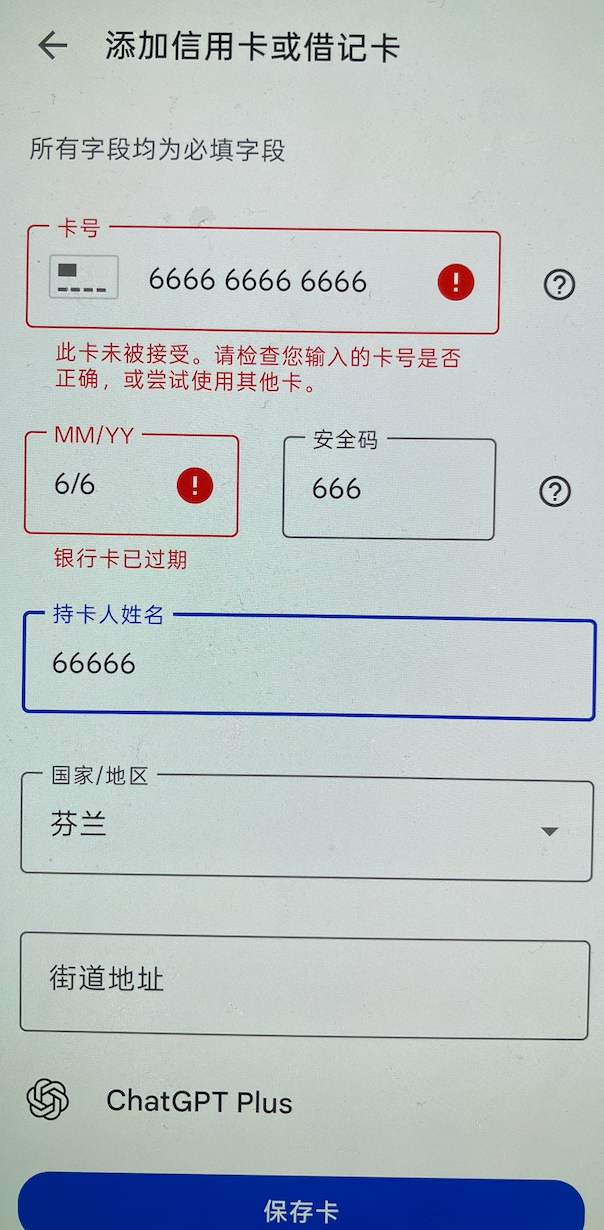
Enter the card number and security code.
The address must correspond to the card’s issuing location to pass verification; you do not need to be physically located in a region supported by GPT.
4. Complete the payment and sign in on iOS, Android, and the web
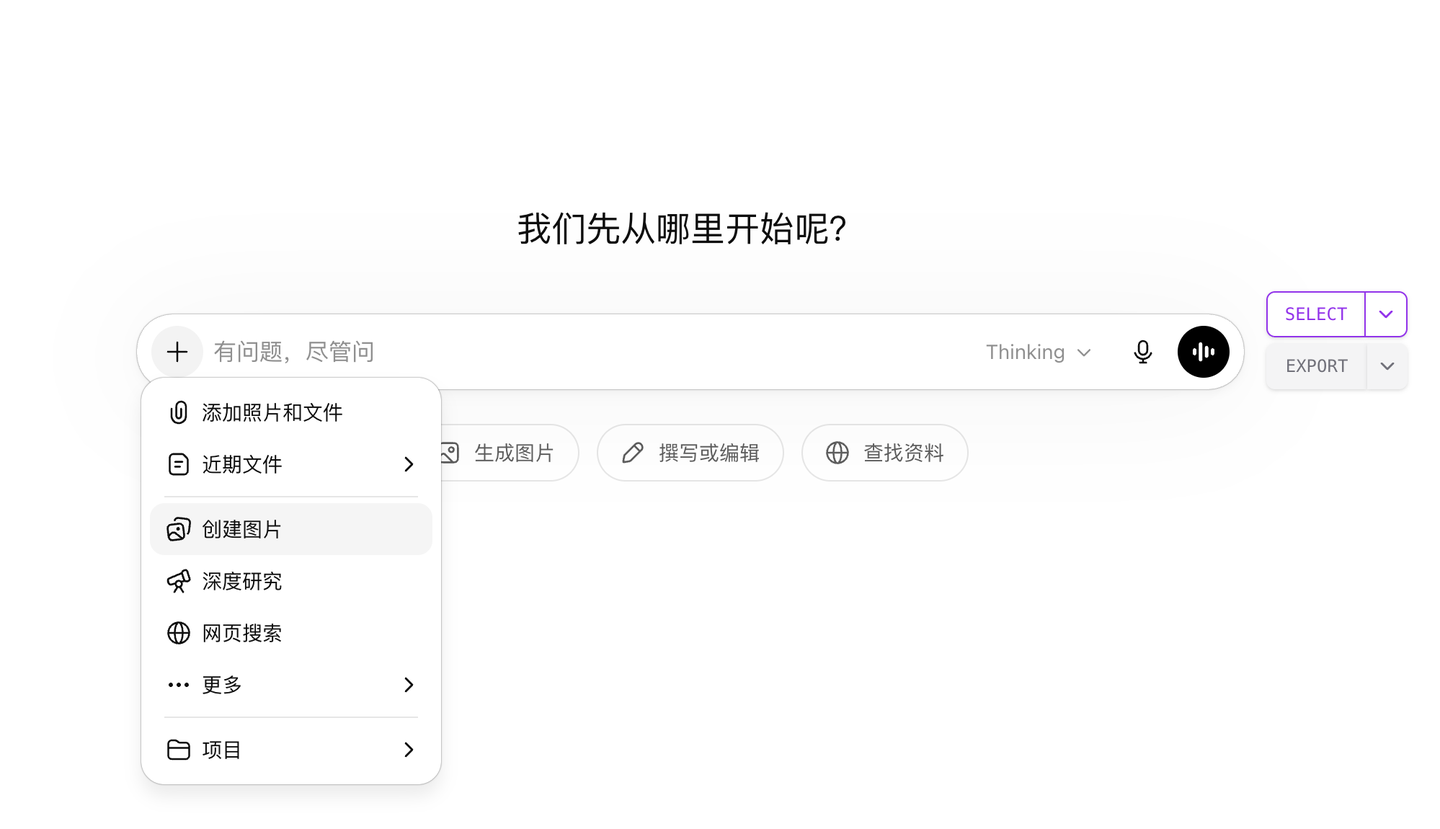
Start interacting with ChatGPT and explore features such as image generation, deep research, and extended conversations.
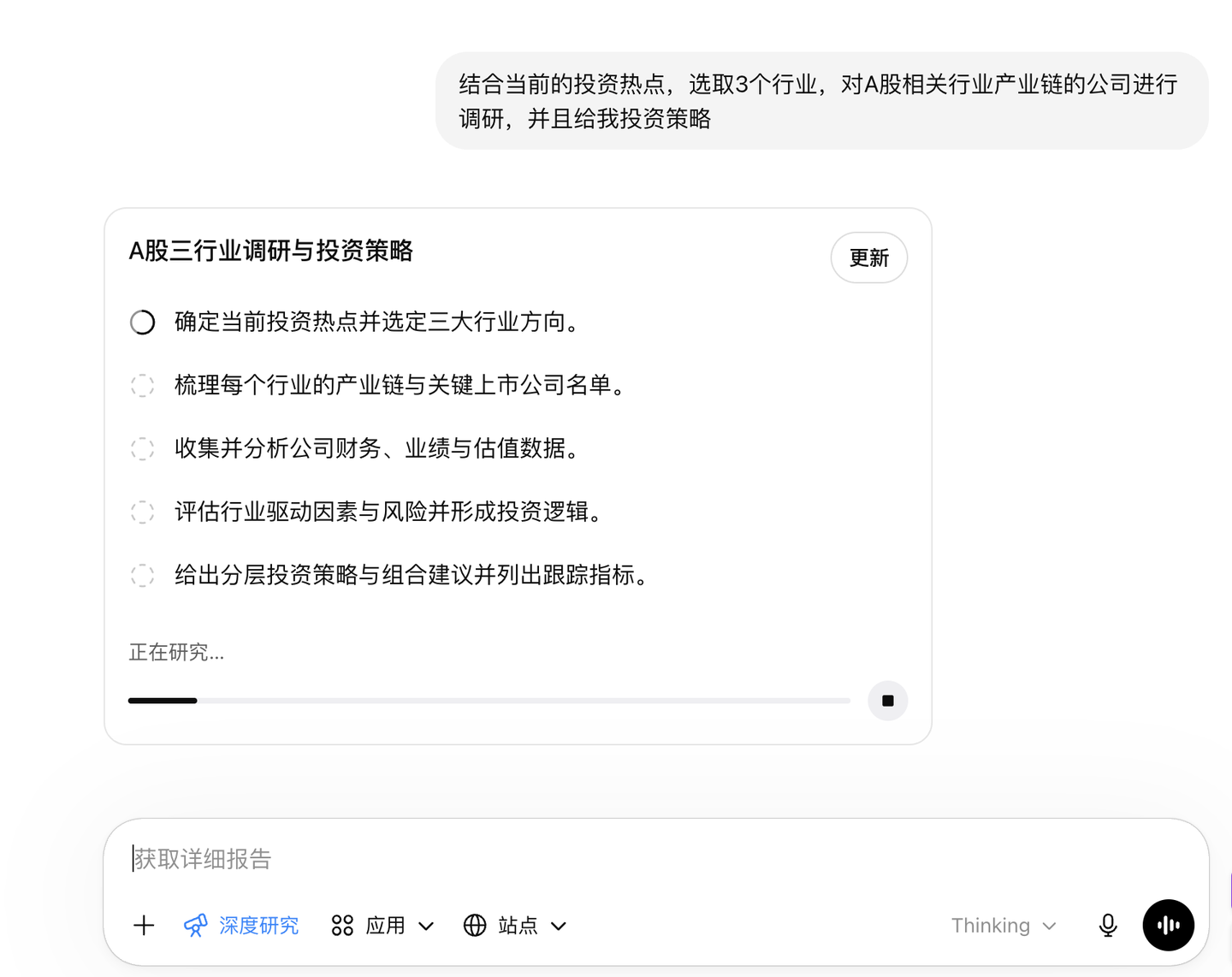
Industry research report:
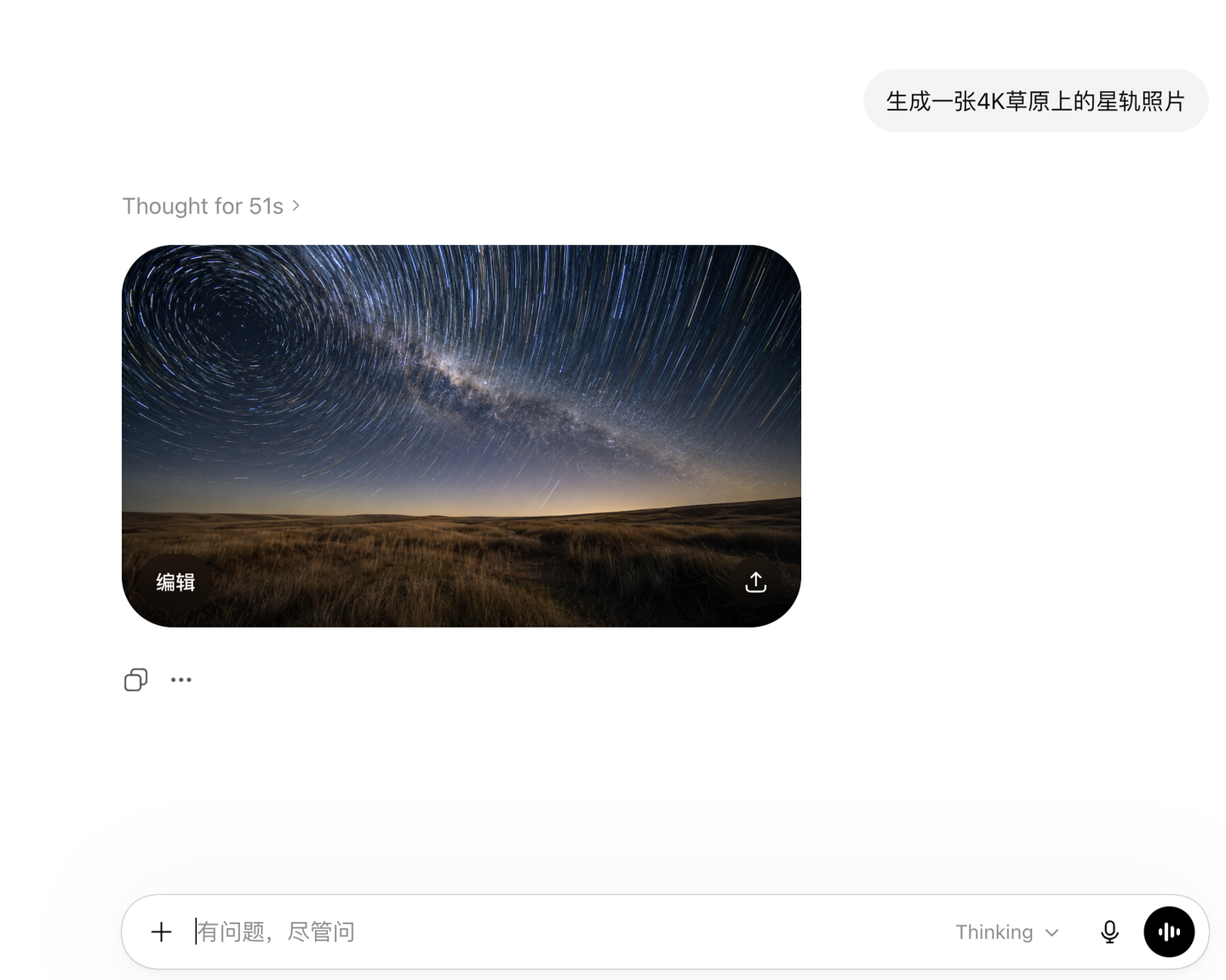
An image-generation model.
Explore the other use cases yourself. It costs only USD 20 per month.